Free
Core rental management for owners getting started.
 RentaFlo
Car rentals, managed in one flow
List cars, chat before booking, track manual payments, generate agreement content, and preserve pickup and return evidence.
RentaFlo records the rental flow without pretending to hold money, enforce law, or replace real-world signatures.
Add vehicle details, pricing, deposit, documents, images, and availability.
Renters clarify details before sending a booking request.
Both sides accept generated invoice and agreement content.
Pickup and return photos, checklist notes, and logs stay attached to the booking.
Vehicle condition, pickup details, payment status, and return notes stay visible so the rental record is easy to review later.
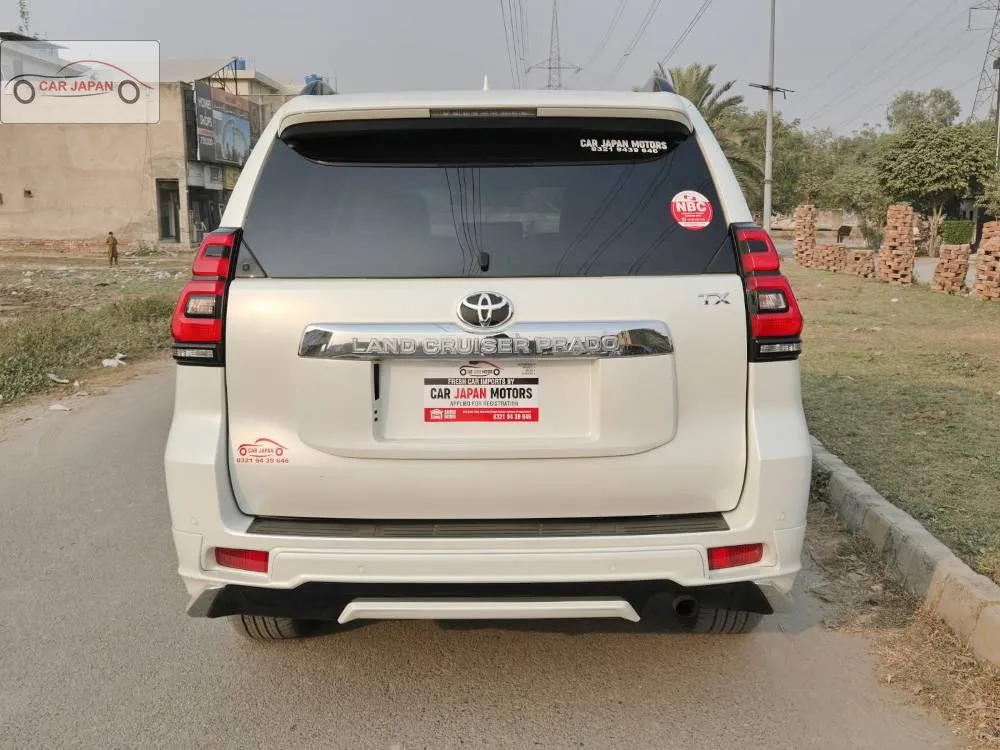
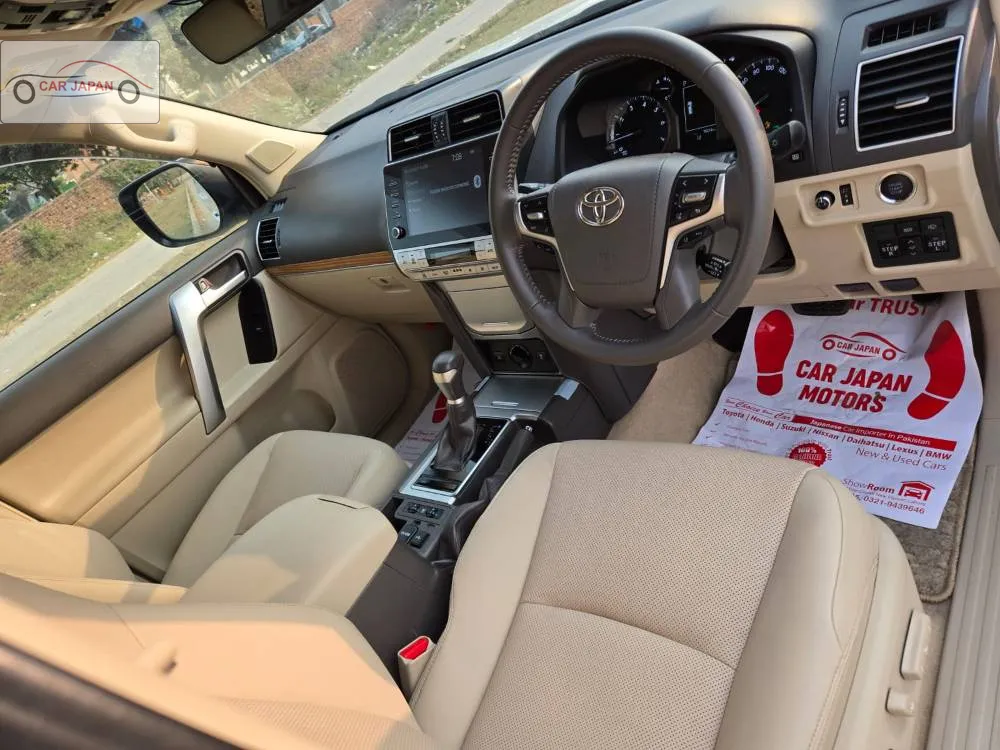
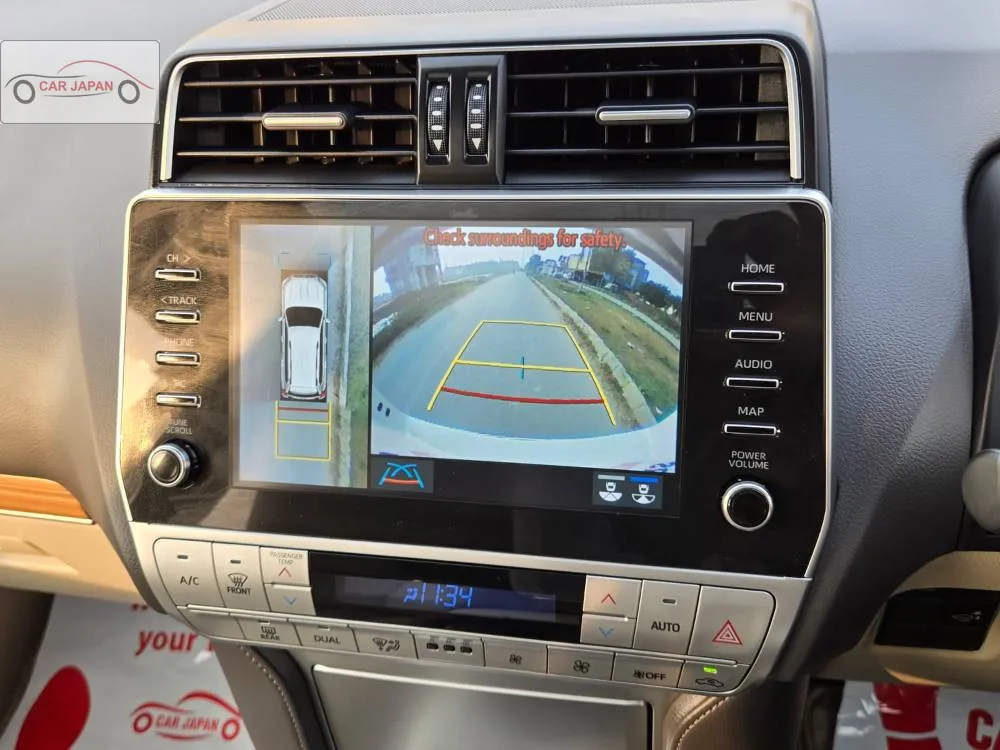
Add more car slots through Apple App Store and Google Play in-app subscriptions when your fleet grows.
Core rental management for owners getting started.
More slots for growing owner workflows.
Fleet-ready capacity with the same simple operations.
RentaFlo is designed for iOS and Android. Store links can be added here once the apps are published.
No. Renters and owners handle money outside the app. RentaFlo tracks invoice and payment status only.
No. RentaFlo generates structured agreement content and reminders to print, review, and sign where needed.
Every account can act as owner or renter depending on the action. Sensitive actions may require manual verification.
Pickup and return photos, notes, and checklist logs stay linked to the booking so both sides have a clear handover record.